Pairing a beacon
Pairing is a single flow that scans for nearby beacons, lets you pick one, calibrates it, and saves it to your venue.
Before you start
- Make sure your device's Bluetooth is on.
- Grant beacbeac the Bluetooth and location permissions it asks for. These are required by iOS and Android for beacon scanning.
- Have the physical beacon powered on and within a couple of metres.
- Use the mobile app — pairing doesn't work in the web admin.
Pairing steps
- From the Admin Dashboard, open Manage Beacons.
- Tap + Add New Beacon.
- Tap Start Scanning. beacbeac lists every beacon it can hear, closest first.
- When you spot the one you want, tap Stop Scanning and then Configure & Pair on that beacon.
- Give it a name you'll recognise (e.g. the room, trail marker, or story it's next to).
- beacbeac will then run the calibration step — see Calibration. It measures the signal at one metre and records the result as the beacon's measured power.
- Link it to a story now, or leave it unlinked and link it later from the beacon's edit screen.
- Tap Save.
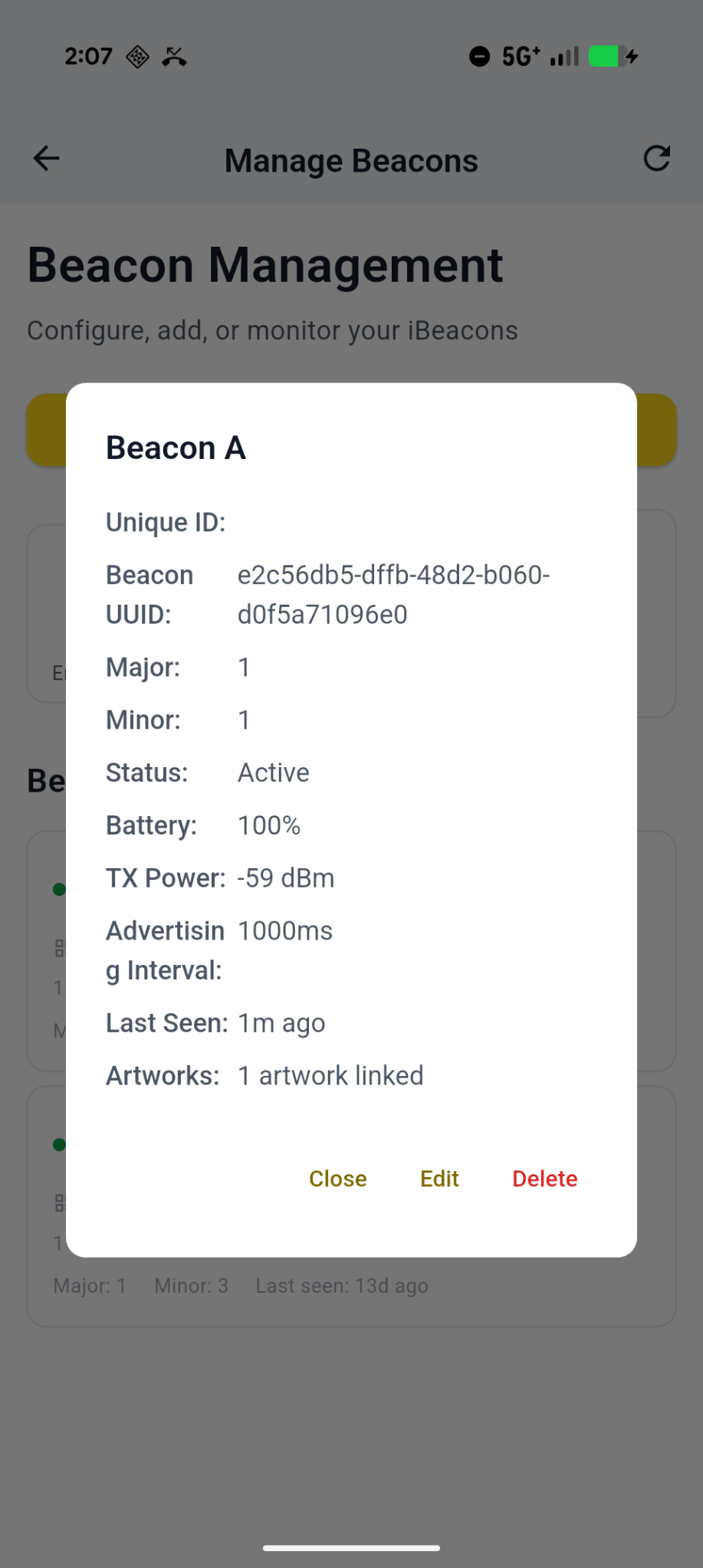
The beacon now appears in your beacon list. Visitors who approach it (and have the visitor app open) will see the linked story.
Next step: confirm your calibration is right — see Calibration.