Visitor Gallery
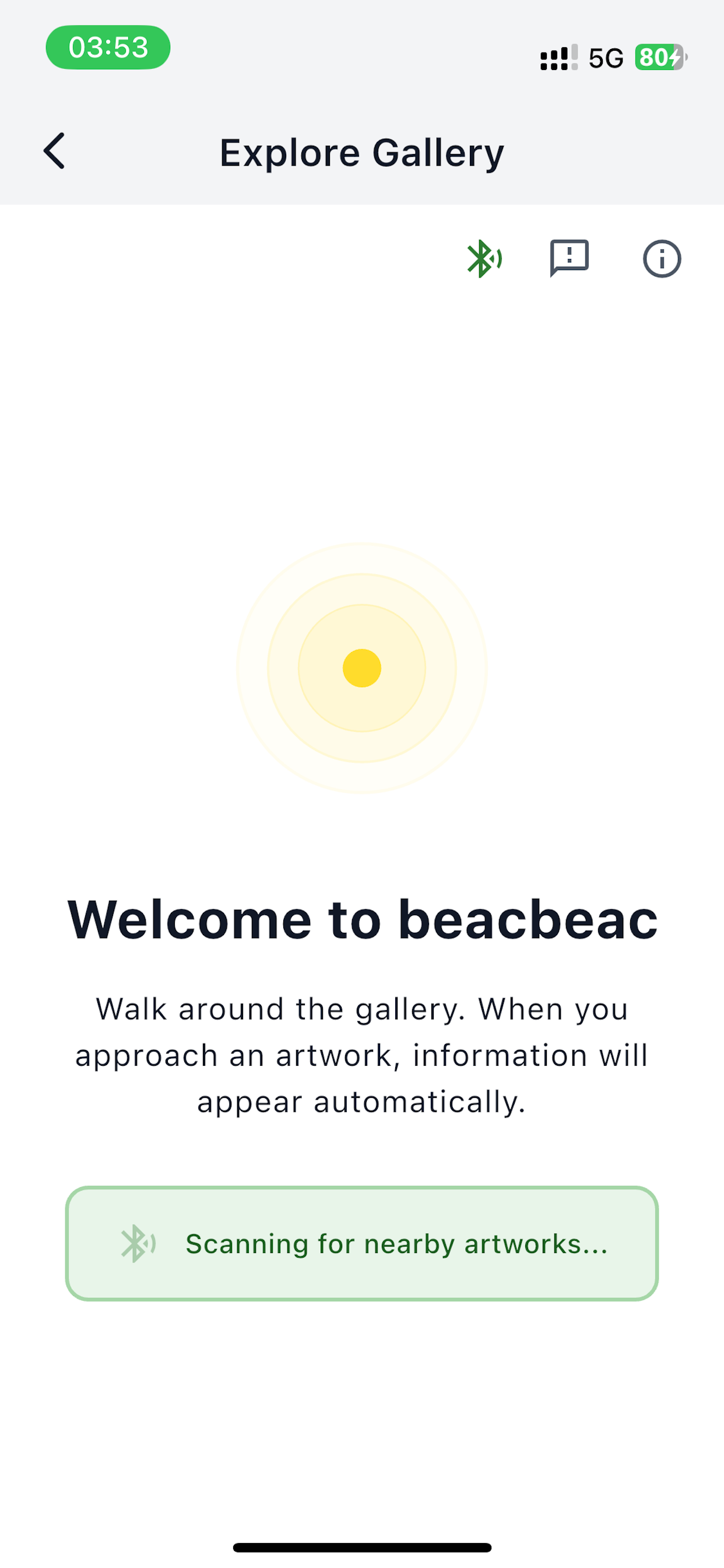
The Explore Gallery is what visitors see when they tap Start exploring on the splash screen. There's no login on the visitor side — anyone with the app can walk the gallery.
What visitors see
As a visitor walks through the gallery, the app scans for nearby beacons and shows them the linked artwork:
- Title, artist, and image — pulled from the artwork record.
- Description text — what you wrote in Manage Content.
- Listen button — taps into the phone's text-to-speech to read the description aloud. See AI descriptions & audio.
- Multi-artwork tile grid — when the beacon is linked to several artworks, visitors get a grid to tap through.
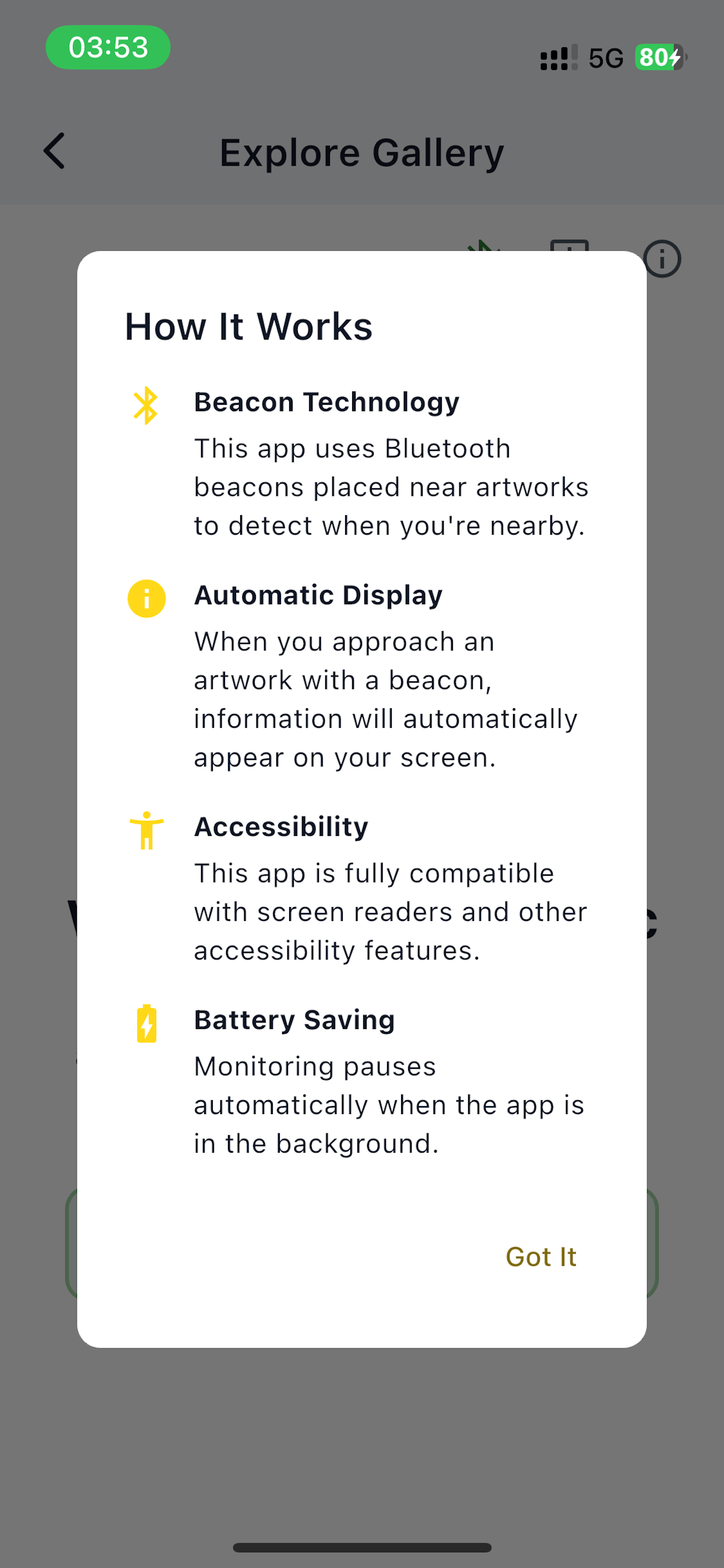
The first time someone opens the visitor gallery they see a short How It Works explainer:
Previewing before opening to the public
Before a public opening, walk the gallery yourself with the visitor app:
- Sign out of the admin (or use a separate device).
- Tap Start exploring on the splash screen.
- Walk past every beacon, in the order a visitor would.
- For each artwork: check the title, image, and description look right; tap Listen to make sure the audio is clear and pronounces the artist's name correctly.
Audio accessibility
Audio is on by default for every artwork that has a description text. Visitors who can't see the screen well can navigate the gallery by audio alone — make sure your descriptions read cleanly out loud, not just on the page. See AI descriptions & audio.